A keyboard for measurements
Enter dimensions, units, and inch fractions while writing a note or estimate on iPhone or iPad. Choose and reorder unit categories in the UnitKey app to keep the ones you use most within reach.
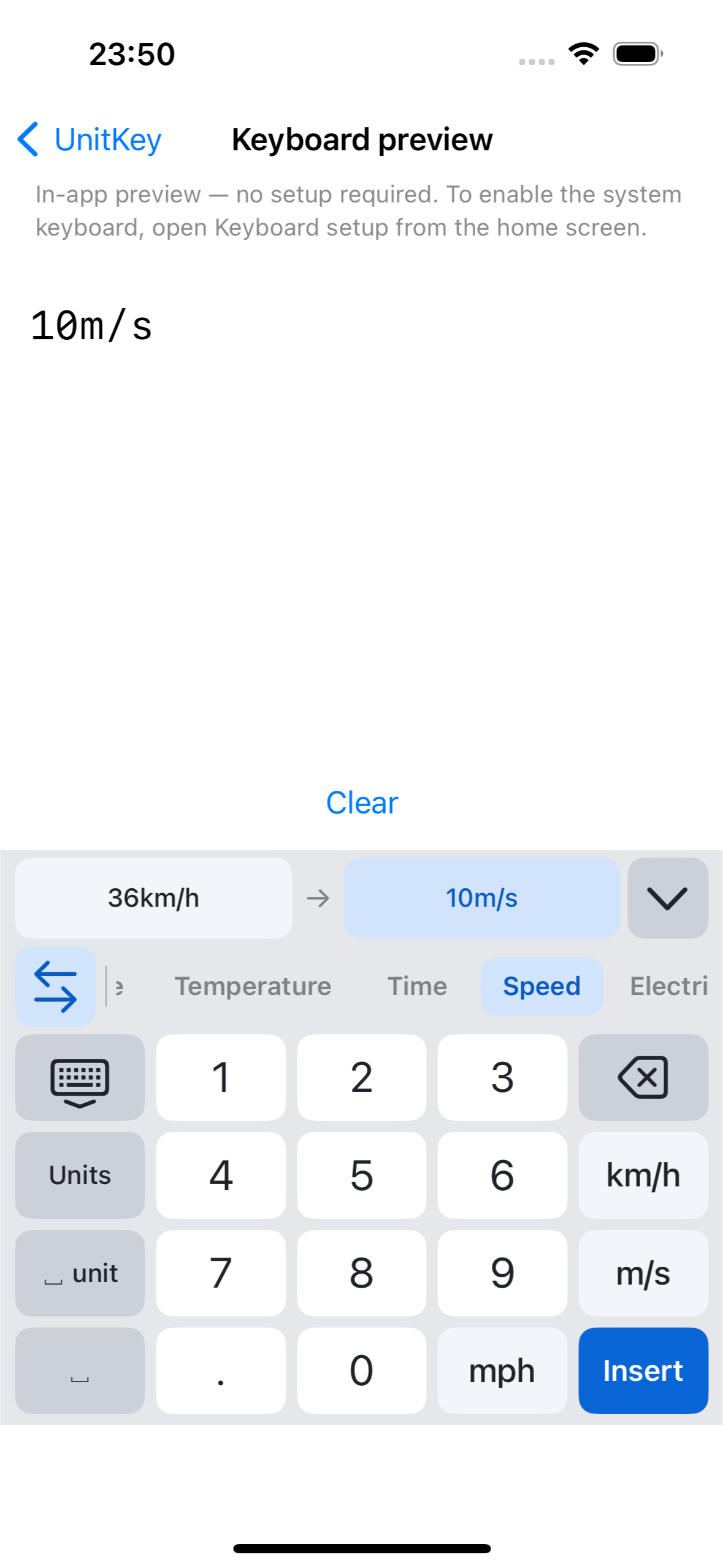
To convert a speed, choose Speed, tap the two-way arrow, enter 36 km/h, and choose m/s. Tap the 10 m/s result to insert it into your text. Typing and conversion work offline.
Enable the keyboard
- Open UnitKey. In keyboard setup, choose the categories you want and tap Save and continue.
- Open Settings → General → Keyboard → Keyboards → Add New Keyboard and choose UnitKey. Typing and conversion work without Full Access.
- Open a note in Apple Notes and tap the body. Hold the globe key and choose UnitKey.
On an iPad with a hardware keyboard, tap the keyboard icon and choose Show Keyboard if the onscreen keyboard is hidden.
UnitKey support
Email support@metrype.com. For help with the keyboard, tell us your device model, system version, and which app you were typing in.